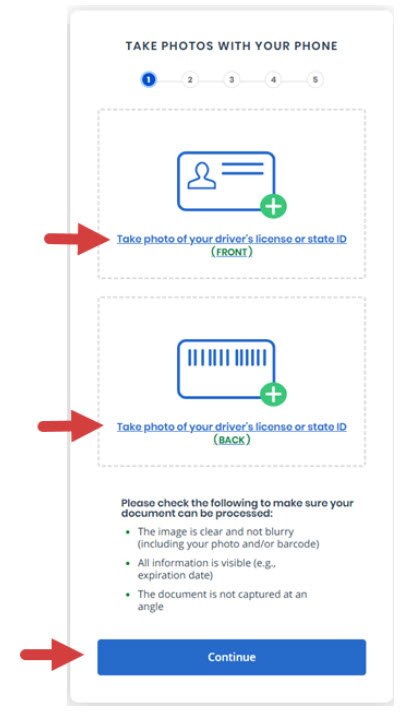
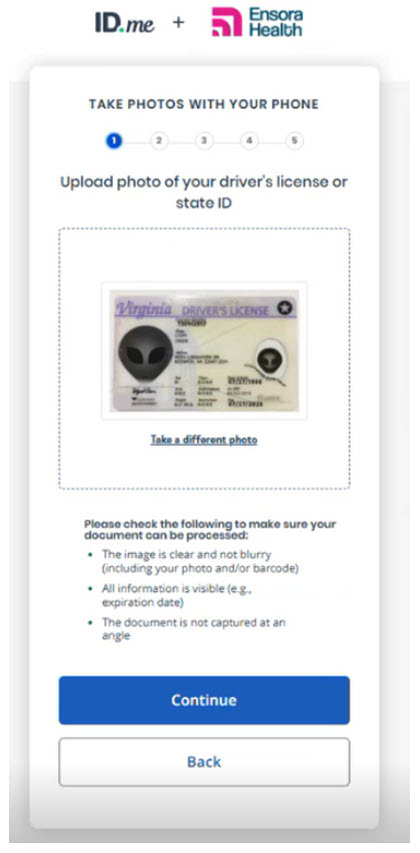
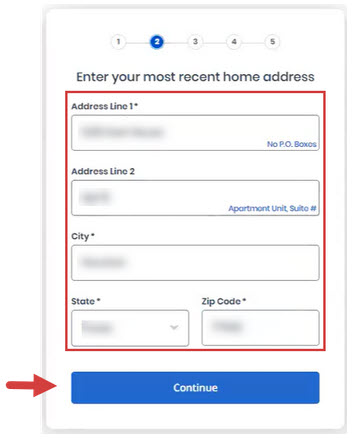
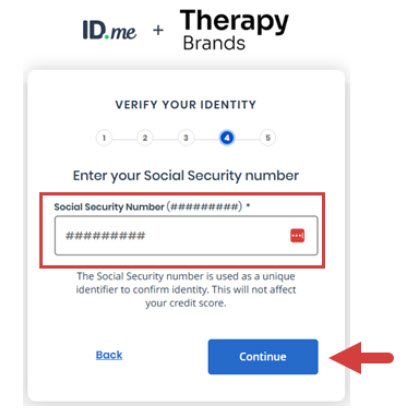
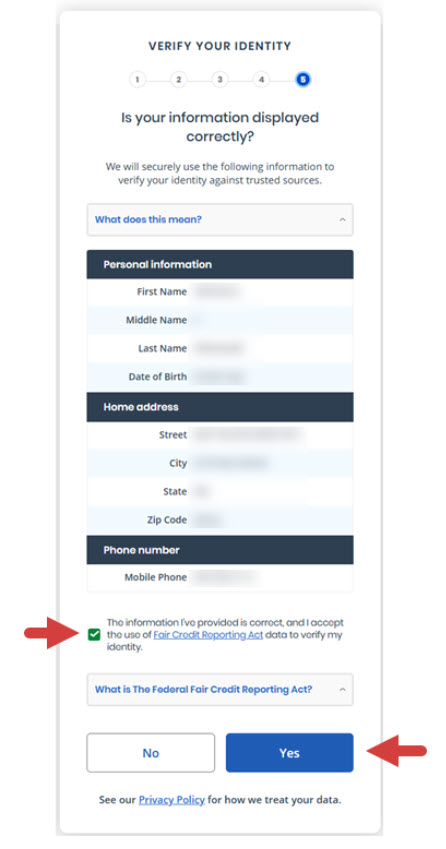
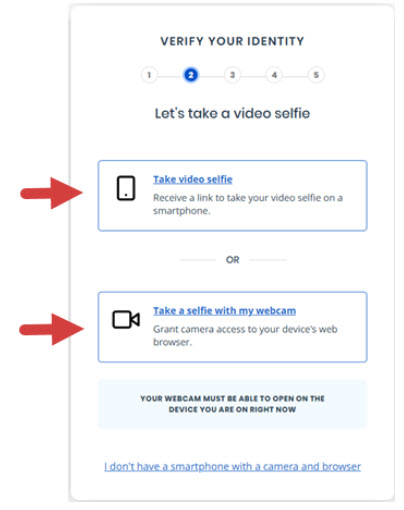
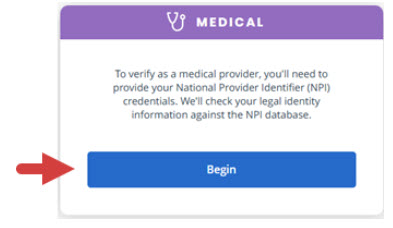
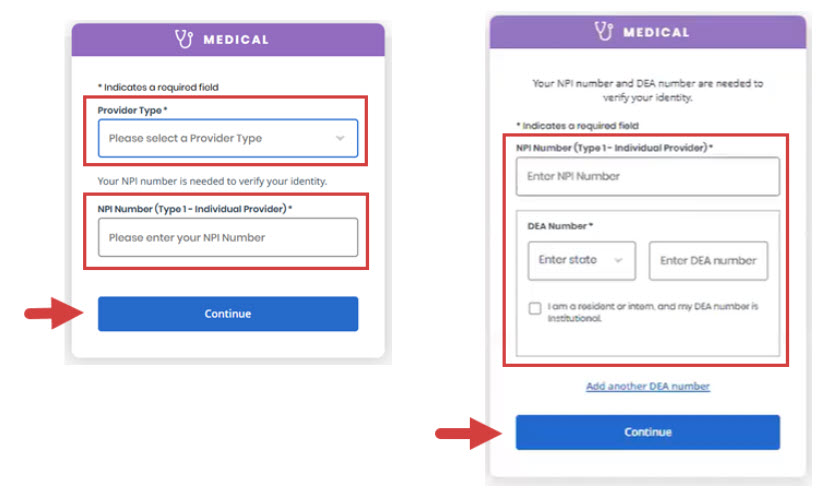
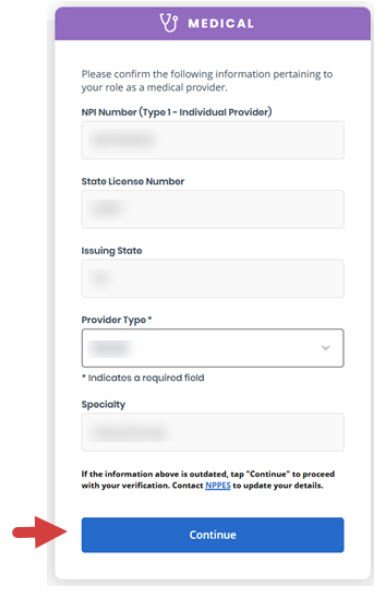
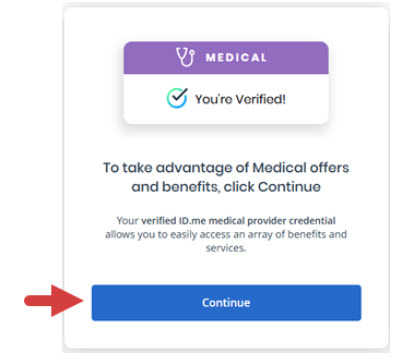
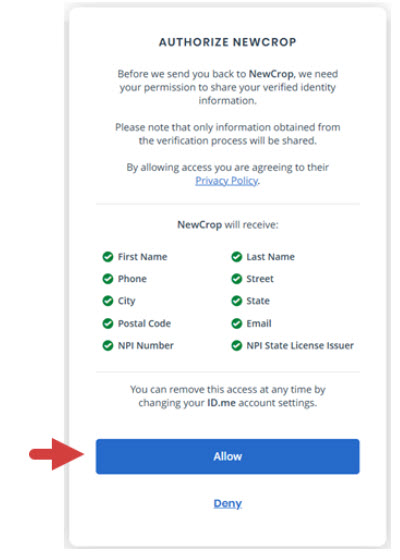
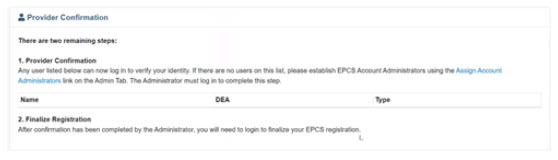
EPCS prescribers must complete a verification process with ID.me that includes entering prescriber information, uploading documents, and identity proofing.
You will need the following:
- Driver’s license or state issued ID to verify your identity
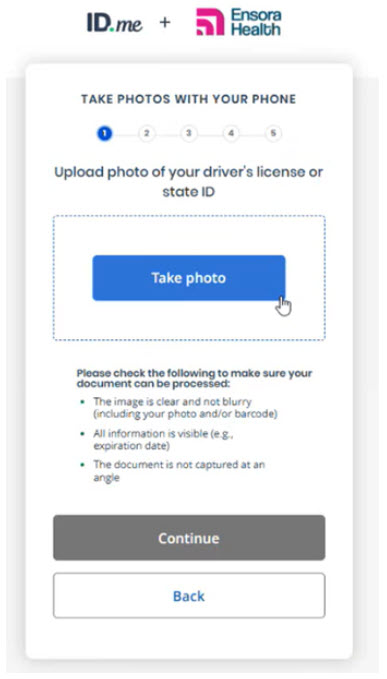
- Your smartphone to take photos of your driver’s license or ID document and self image or selfie.
| Quick Tip: |
|---|
| If you do not have a smartphone, you can upload a scanned image of your driver’s license or ID document (front and back) from your computer. Make sure to have the images scanned and ready before you begin.
You will also need to provide a selfie via your smartphone or webcam. |
If you encounter any issues with setting up or connecting your ID.me account, please reach out to ID.me directly for troubleshooting assistance.
Getting Started
1. Login to iCoreRx.
Verify Identity for EPCS Registration
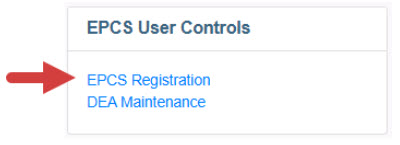
1. Click the EPCS Registration
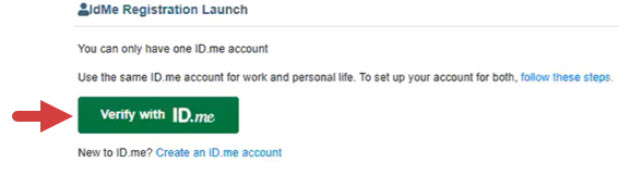
2. Click the Verify with ID.me button.
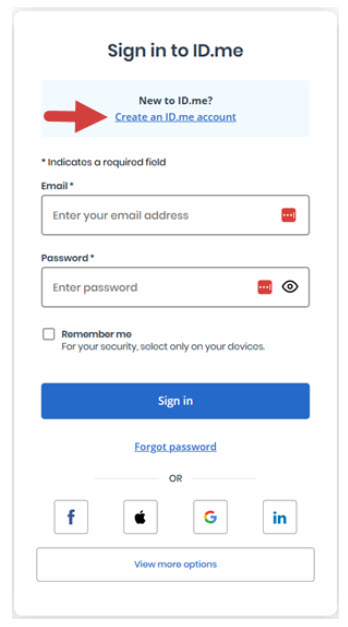
3. Sign in to ID.me.
If you do not have an account with ID.me…
- Click the Create an ID.me Account.
- Once your account is created, you can continue to verify your identity for EPCS.
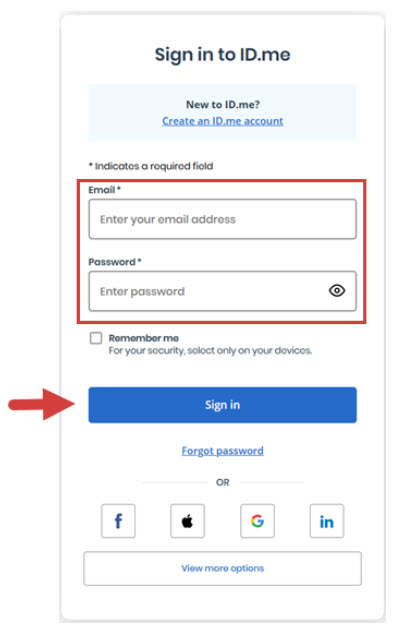
If you already have an ID.me account…
- Enter your Email and Password, then click the Sign In button.
- Proceed to step 22 to enter prescriber info and verification.
4. Click to select a Verification Method.
This could be a driver’s license or state ID, a passport, or a passport card.
| Please Note: |
|---|
| ID.me will also ask for your permission to use details from your credit profile and other public sources to verify your identity. This will not affect your credit score. |
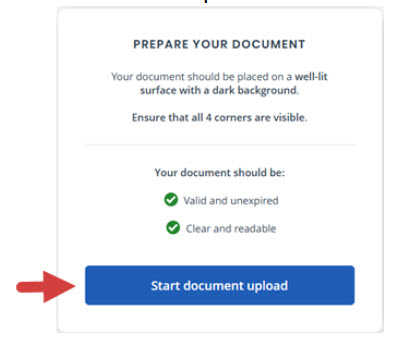
- Upload Photos of your License or State ID
- Upload a Photo of your Passport
- Upload Photos of your Passport Card

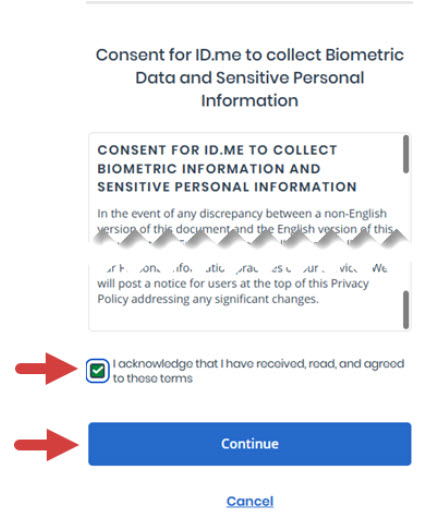
5. Click the I acknowledge that I have received, read and agreed to these terms checkbox.
6. Click the Continue button.
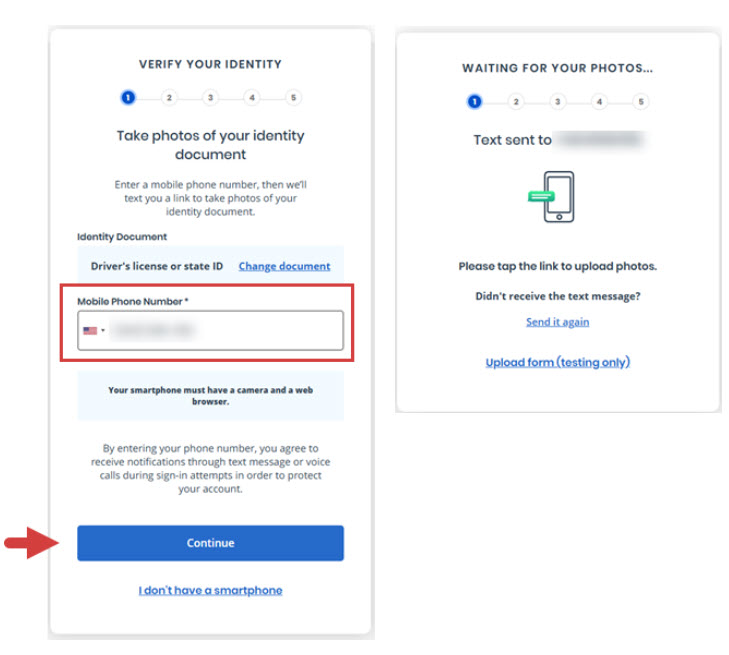
7. Enter your smartphone number in the Mobile Phone Number field.
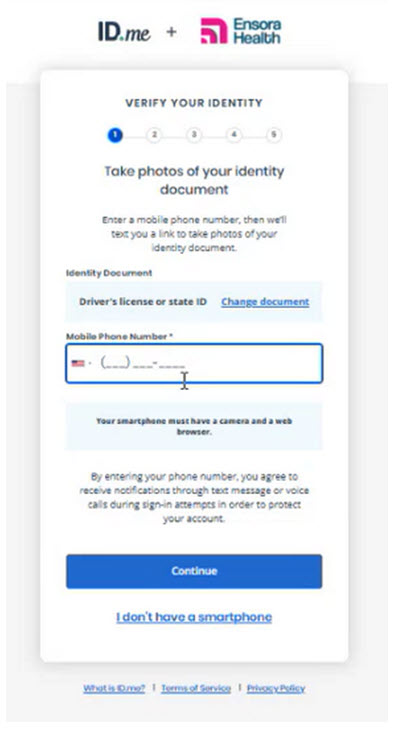
8. Click the Continue button.
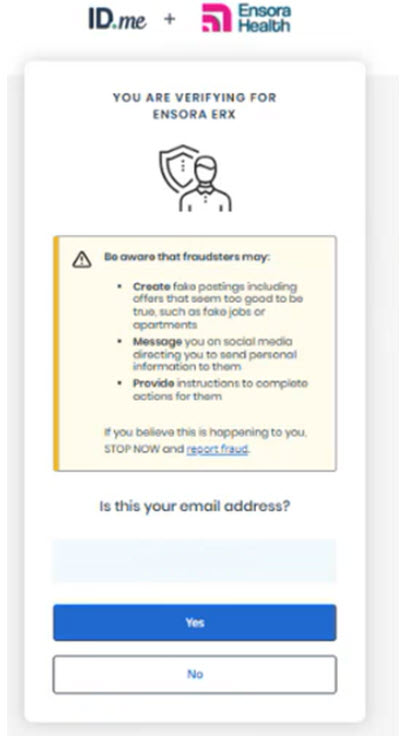
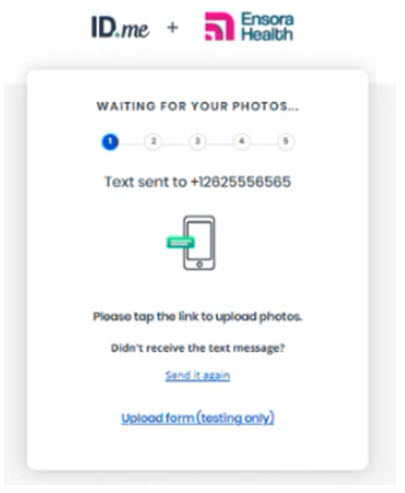
- You will receive a link via text to take photos of your identity document.
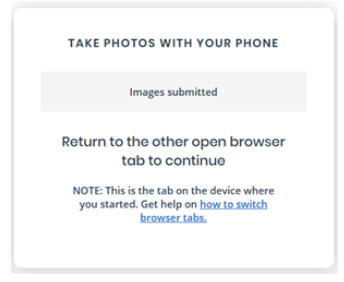
- You will see a confirmation screen that a link was sent to you while you upload your photos.
| IMPORTANT: |
|---|
Your smartphone must have a camera and a web browser.
|