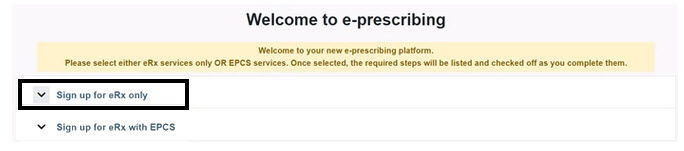
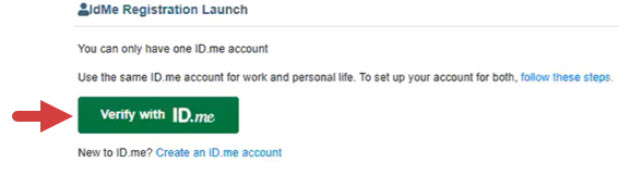
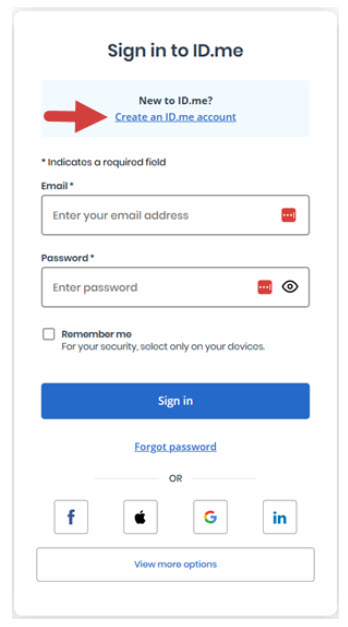
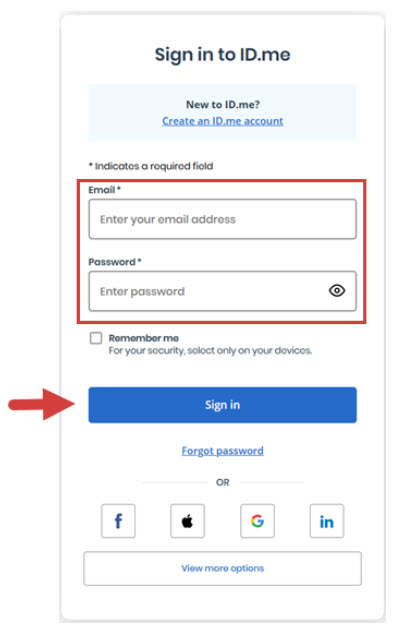
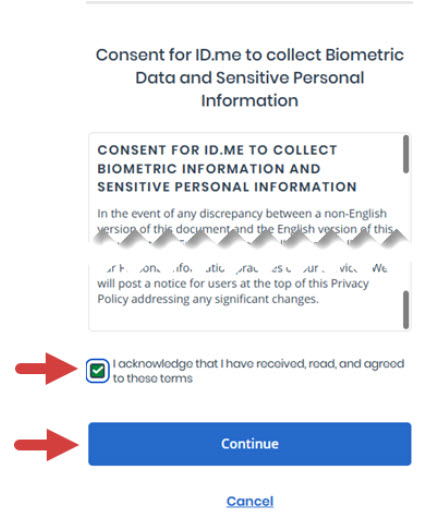
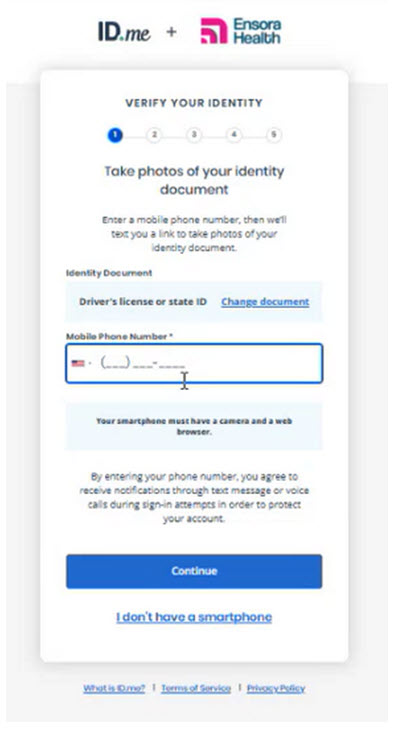
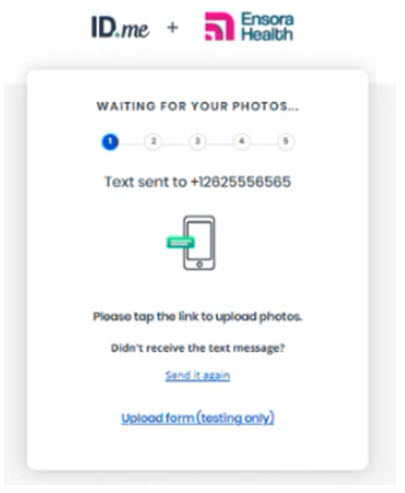
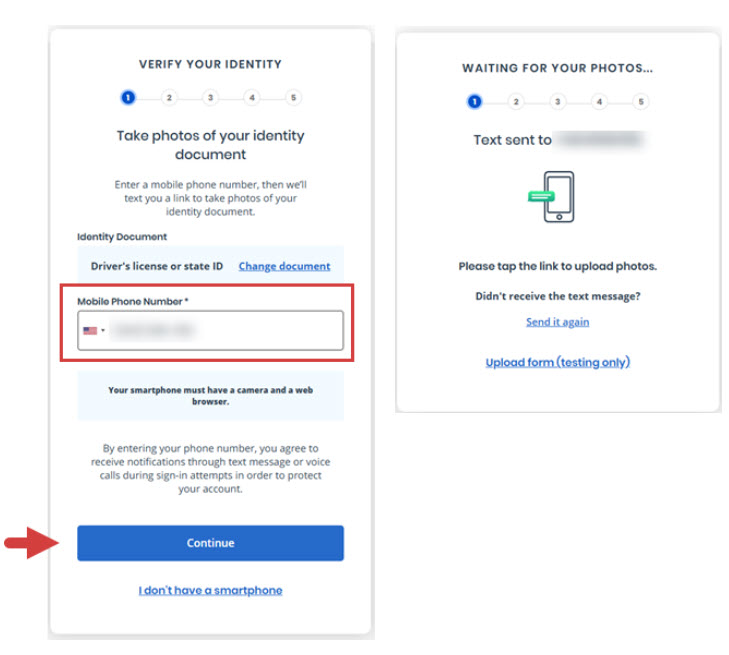
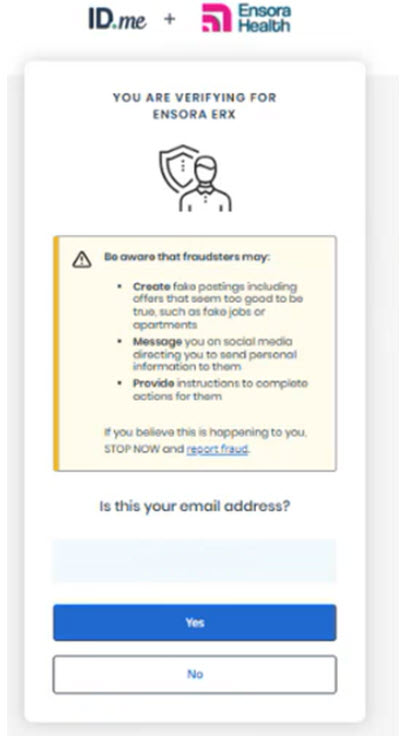
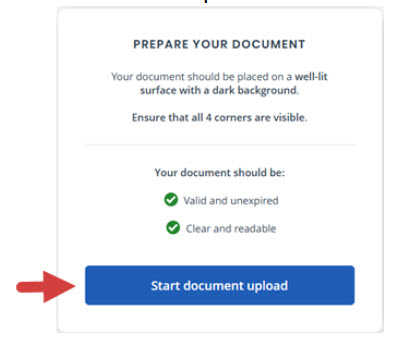
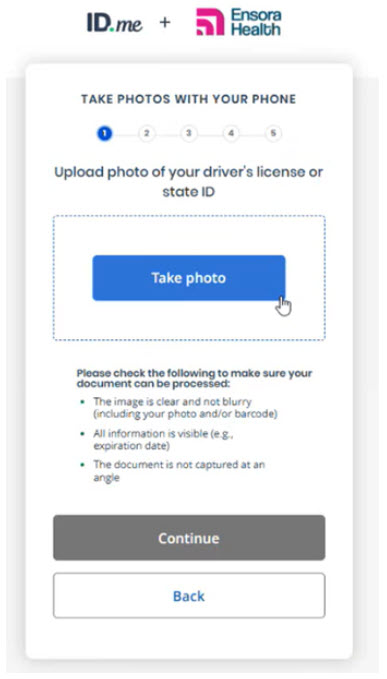
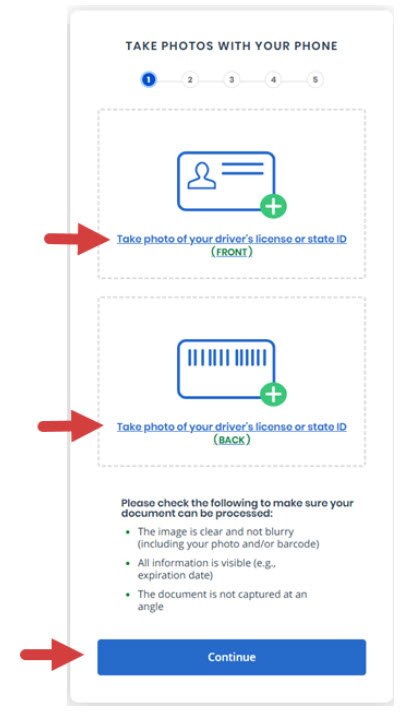
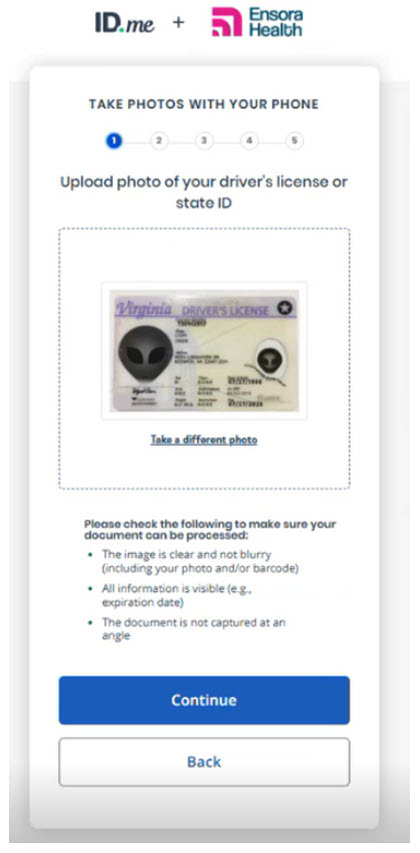
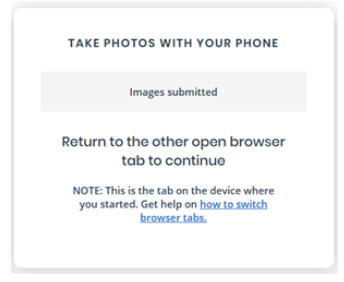
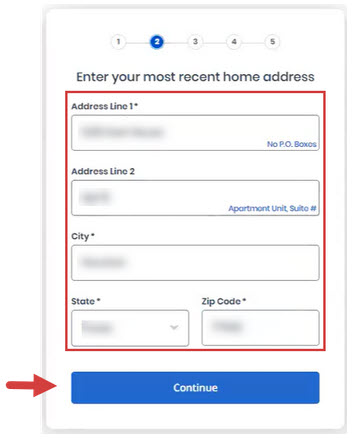
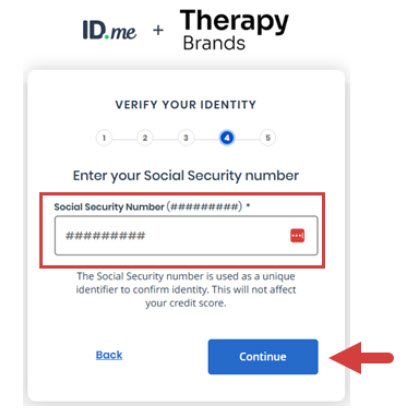
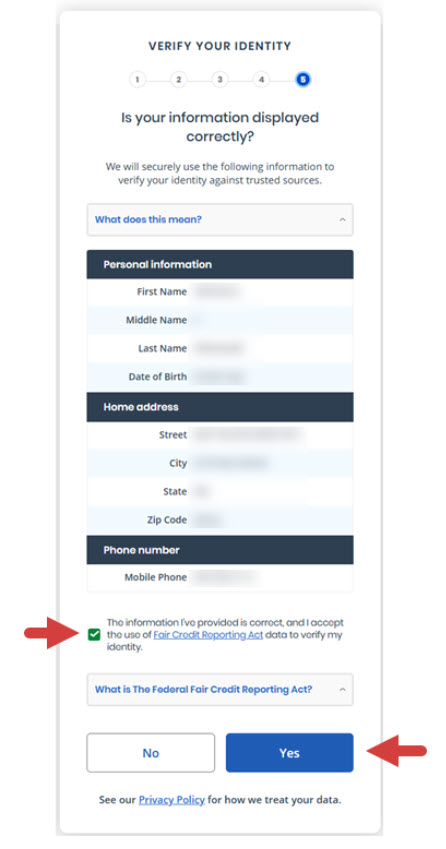
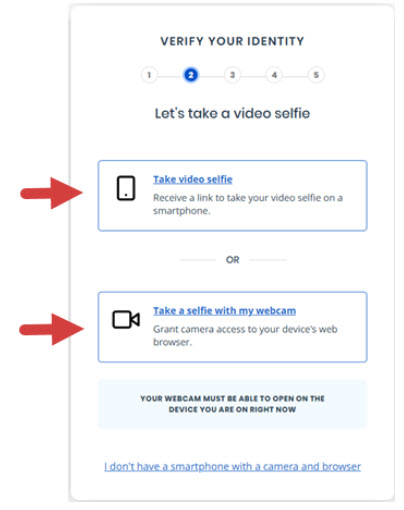
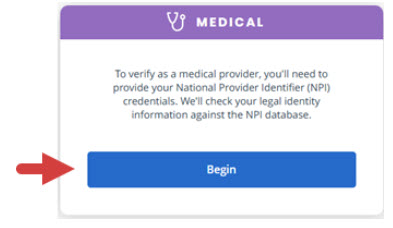
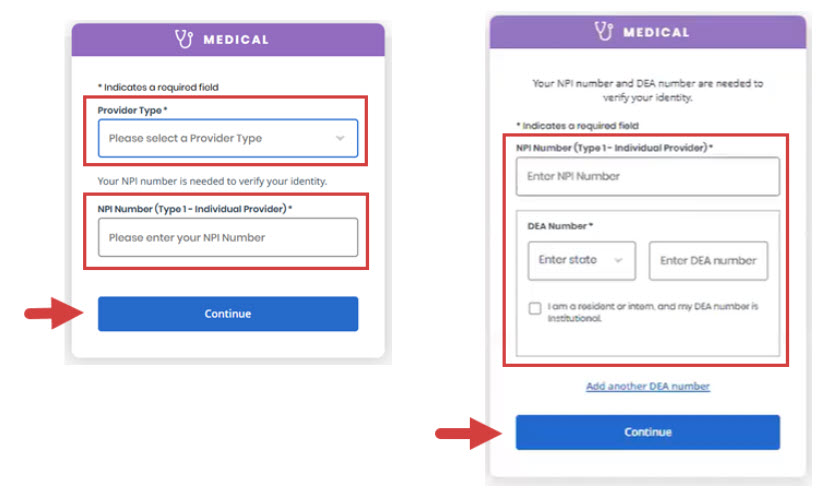
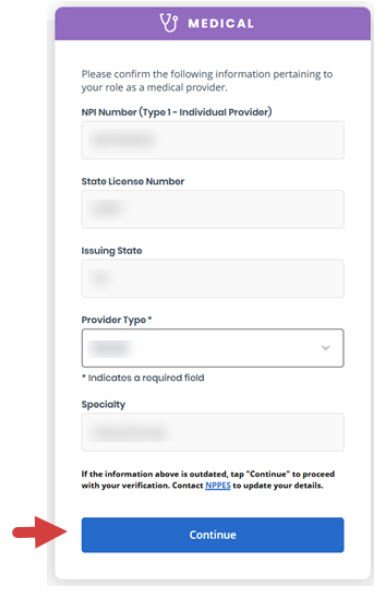
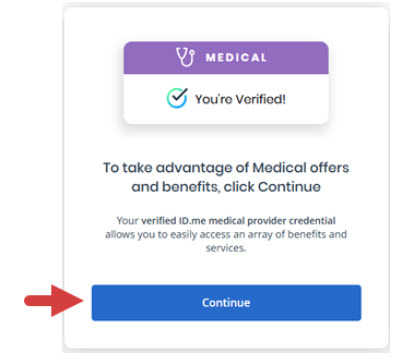
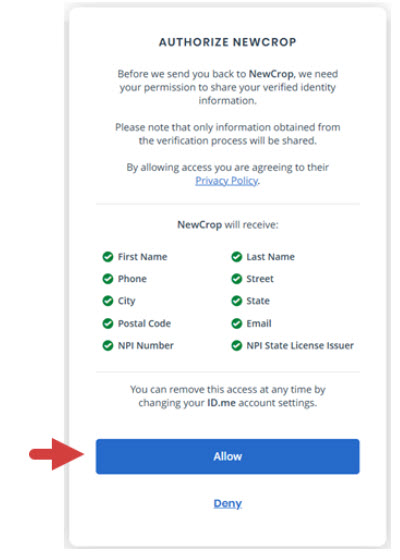
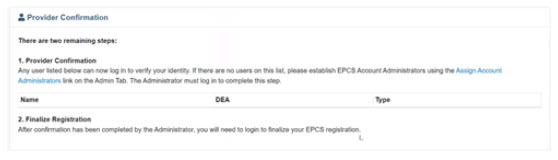
The first time you e-Prescribe, you must complete a registration process with ID.me that includes entering prescriber information, uploading documents, and identity proofing. You will be automatically prompted to complete this process.
iCoreRx: eRx Only Registration with ID.me
If you encounter any issues with setting up or connecting your ID.me account, please reach out to ID.me directly for troubleshooting assistance.
Necessary Items needed to complete eRx registration
Please have the following readily available for your eRx Only registration:
| Quick Tip: |
|---|
|
You can use your smartphone to take photos of your required documents. If you do not have a smartphone, you can upload a scanned images from your computer. You will need to scan both the front and back of your driver’s license or state ID document. Make sure to have the images scanned and ready before you begin. |
1. Copy of your State Issued Id: Driver’s License (Front and Back) or Passport.
2. Copy of your NPI Number and proof of status
A screenshot of your status and the information listed just above it from the NPPES site will suffice.
Be sure the image includes your Name, NPI, Certification Date and Status.
3. Copy of your DEA Certificate
4. Copy of your State Medical or Dental License
A screenshot of your status and the information listed just above it from the NPPES site will suffice.
Be sure the image includes your Name, NPI, Certification Date and Status.
5. You will also need to provide a selfie (self image) via your smartphone or webcam.